Skip to content
- 1. Basic Clipping Path
- For simple shapes with straight lines and few curves
- Examples: Boxes, books, mobile phones, balls
- Quick and easy to execute
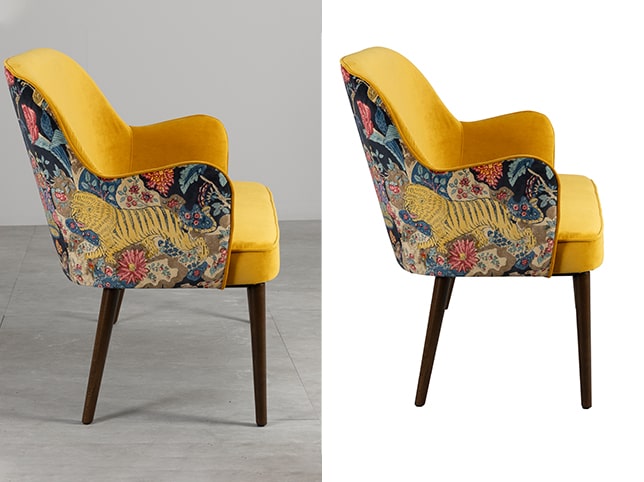
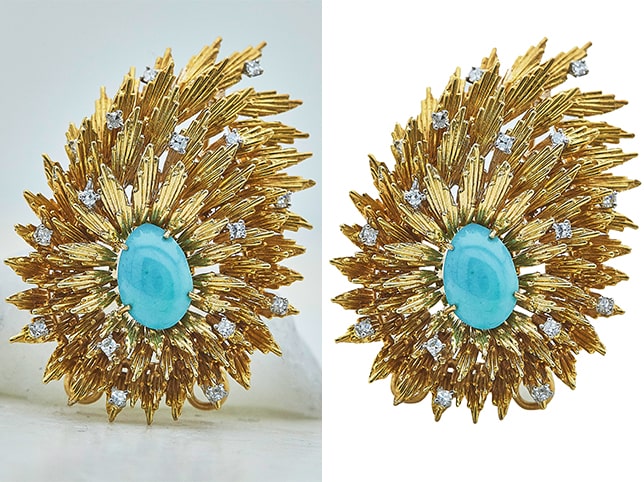
- Complex Clipping Path
- Intricate shapes with many curves, holes, or embedded details
- Examples: Bicycles, jewelry, furniture with cutouts
- High anchor point count and careful path tracing needed
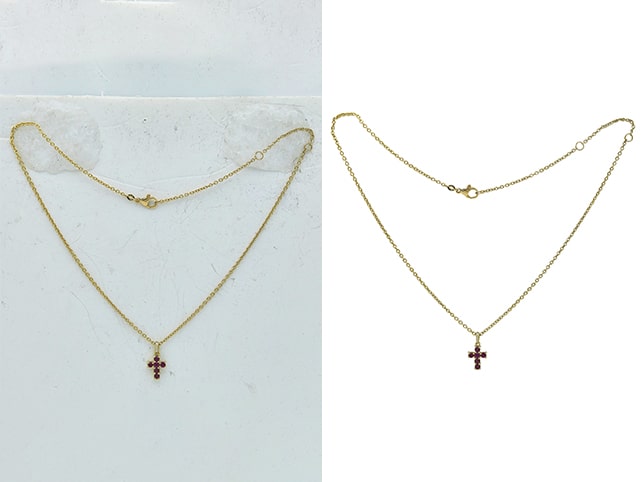
- Super Complex Clipping Path
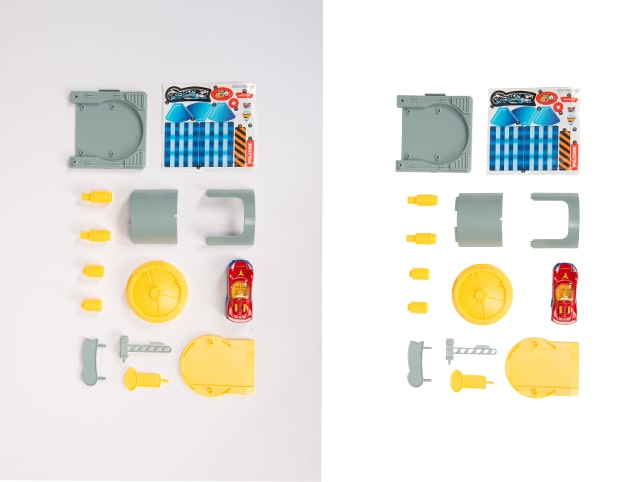
- Very detailed or high-resolution images with lots of inner edges and transparency
- Examples: Chains, nets, group products, images with hair/fur
- Often combined with image masking
- Super Complex Clipping Path
- Very detailed or high-resolution images with lots of inner edges and transparency
- Examples: Chains, nets, group products, images with hair/fur
- Often combined with image masking
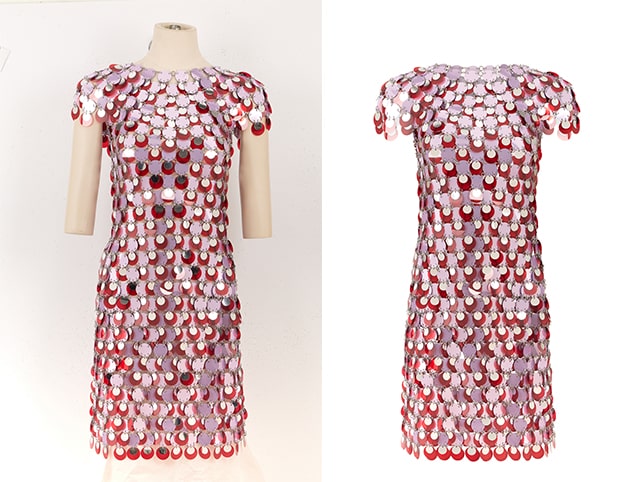
- Medium Clipping Path
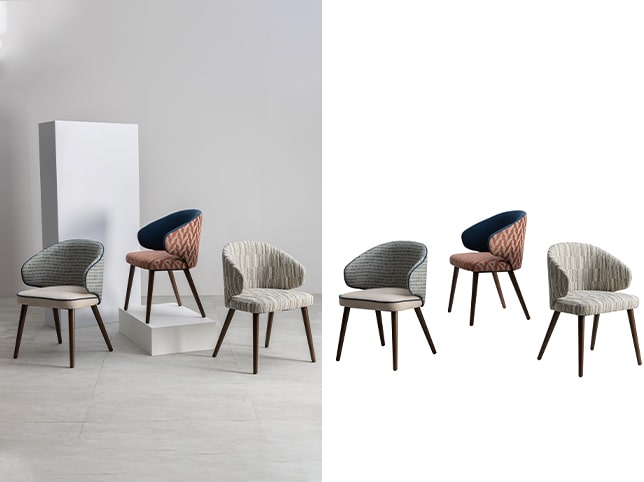
- Objects with multiple curves, holes, or components
- Examples: Group items, layered clothing, bags with straps
- Requires more time and precision
- Super Complex Clipping Path
- Very detailed or high-resolution images with lots of inner edges and transparency
- Examples: Chains, nets, group products, images with hair/fur
- Often combined with image masking
- Medium Clipping Path
- Objects with multiple curves, holes, or components
- Examples: Group items, layered clothing, bags with straps
- Requires more time and precision
- Medium Clipping Path
- Objects with multiple curves, holes, or components
- Examples: Group items, layered clothing, bags with straps
- Requires more time and precision