Skip to content
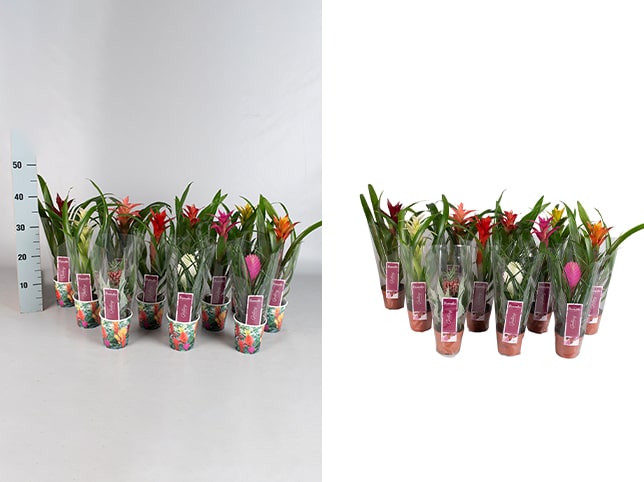
- Multi-Subject Background Removal
- Involves removing the background around multiple items or people in one photo
- Used for group shots, product bundles, or collections
- Transparent Background Creation
- Background is removed and replaced with full transparency (usually PNG format)
- Allows for flexible placement in designs or websites
- Basic Background Removal
- For simple objects with clear edges (e.g., boxes, bottles, phones)
- Done using manual clipping paths or selection tools
- Ideal for white or solid color backgrounds
- Basic Background Removal
- For simple objects with clear edges (e.g., boxes, bottles, phones)
- Done using manual clipping paths or selection tools
- Ideal for white or solid color backgrounds
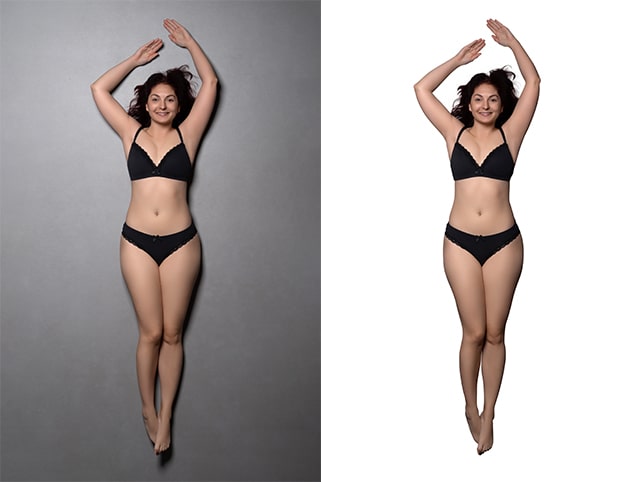
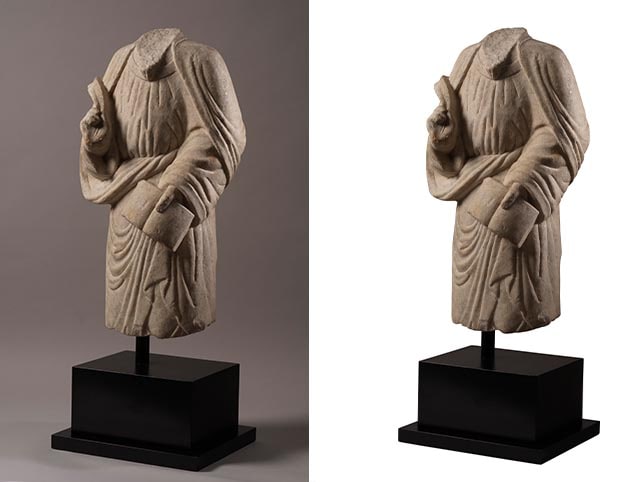
- Complex Background Removal
- For detailed subjects like jewelry, transparent items, or textured objects
- Includes hair/fur masking, semi-transparent surfaces, and overlapping elements
- Often uses advanced tools like image masking or refine edge techniques
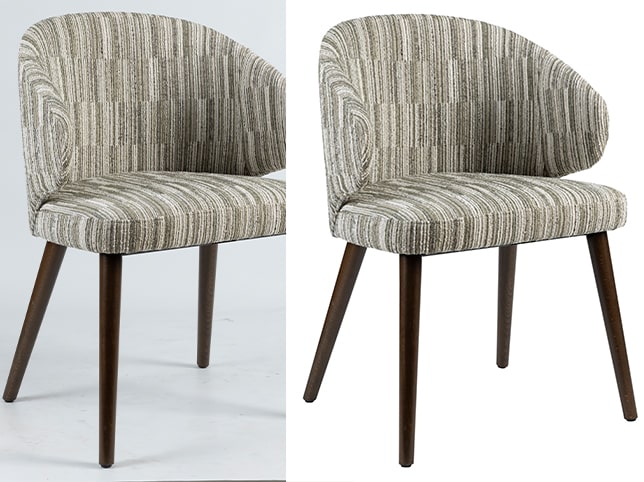
- Medium Background Removal
- For slightly complex shapes like clothing, furniture, or accessories
- May include a few curves, holes, or layered parts
- Requires more precise path creation